Shader editor for Nebulon · Minecraft 1.21.11

Protostar

Wire up a node graph, watch it render live in a small voxel world, and export the shaders and material JSON your mod needs.

v0.2.1 beta · Windows, macOS and Linux · Requires the Nebulon mod
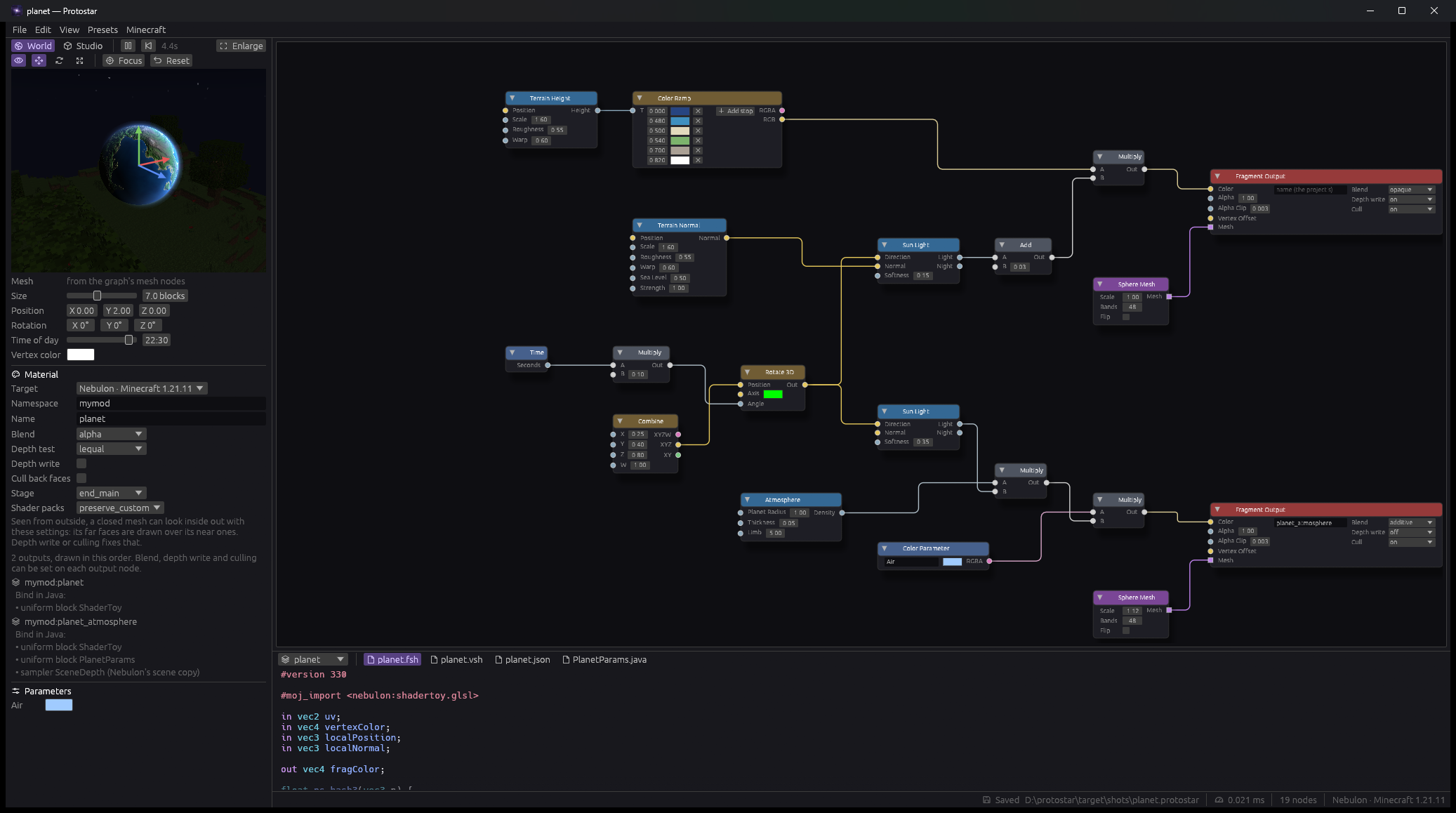
Protostar editor: node graph for a planet, live preview and generated GLSL
01

Wire a graph

Start from a preset or blank. Right-click to add nodes; drop a wire on empty space to add one already connected.

02

Watch it live

Compiled by a real OpenGL driver and drawn with the game's uniform blocks, blend and depth — in a Studio or a voxel world with a day and night cycle.

03

Export

One click writes the .vsh, .fsh, material JSON and textures straight into your mod's resources.

Presets

Built in Protostar, rendered in the preview.

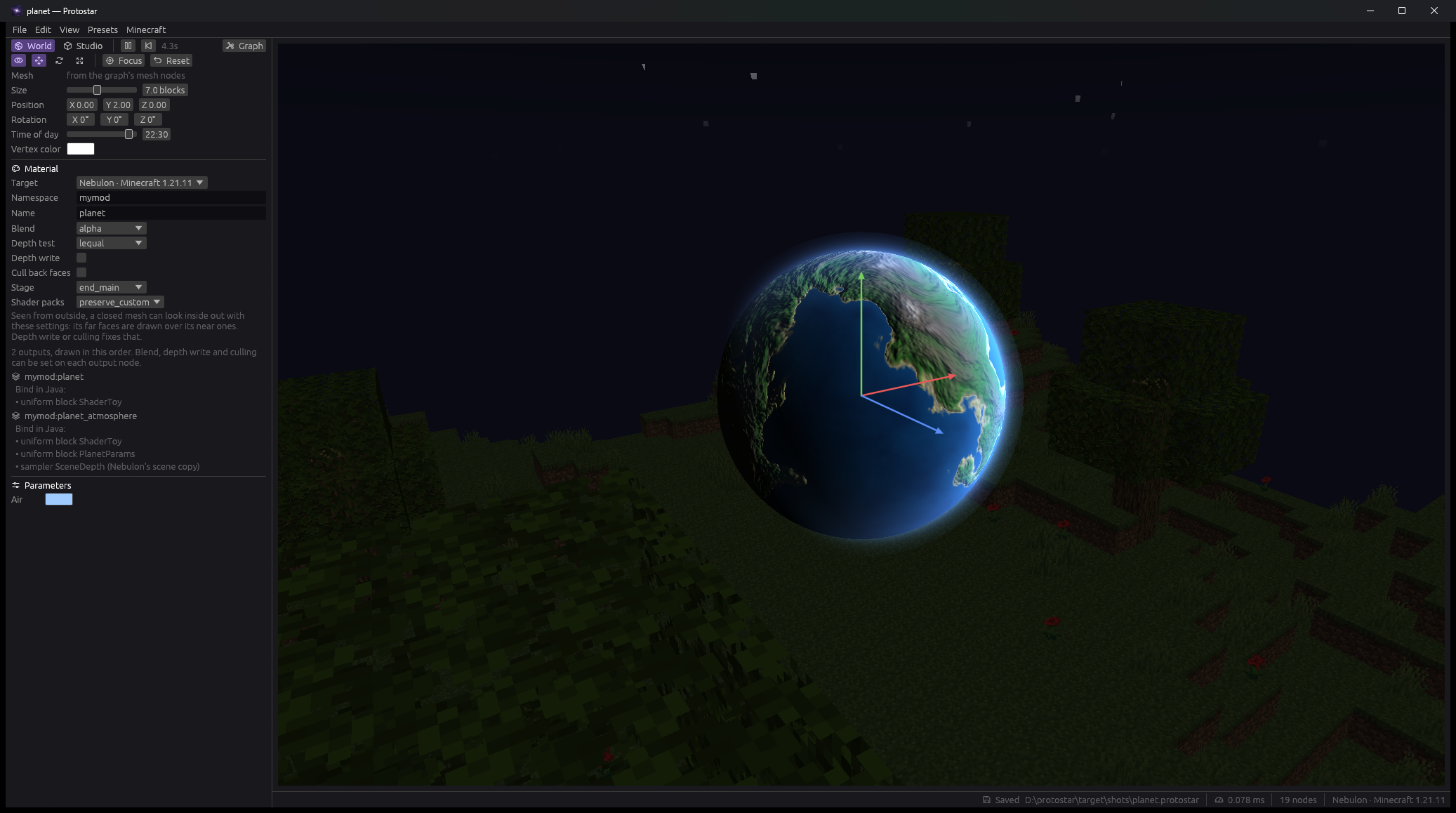
Planet preset in the Protostar preview
PlanetLit terrain and an atmosphere, two outputs.
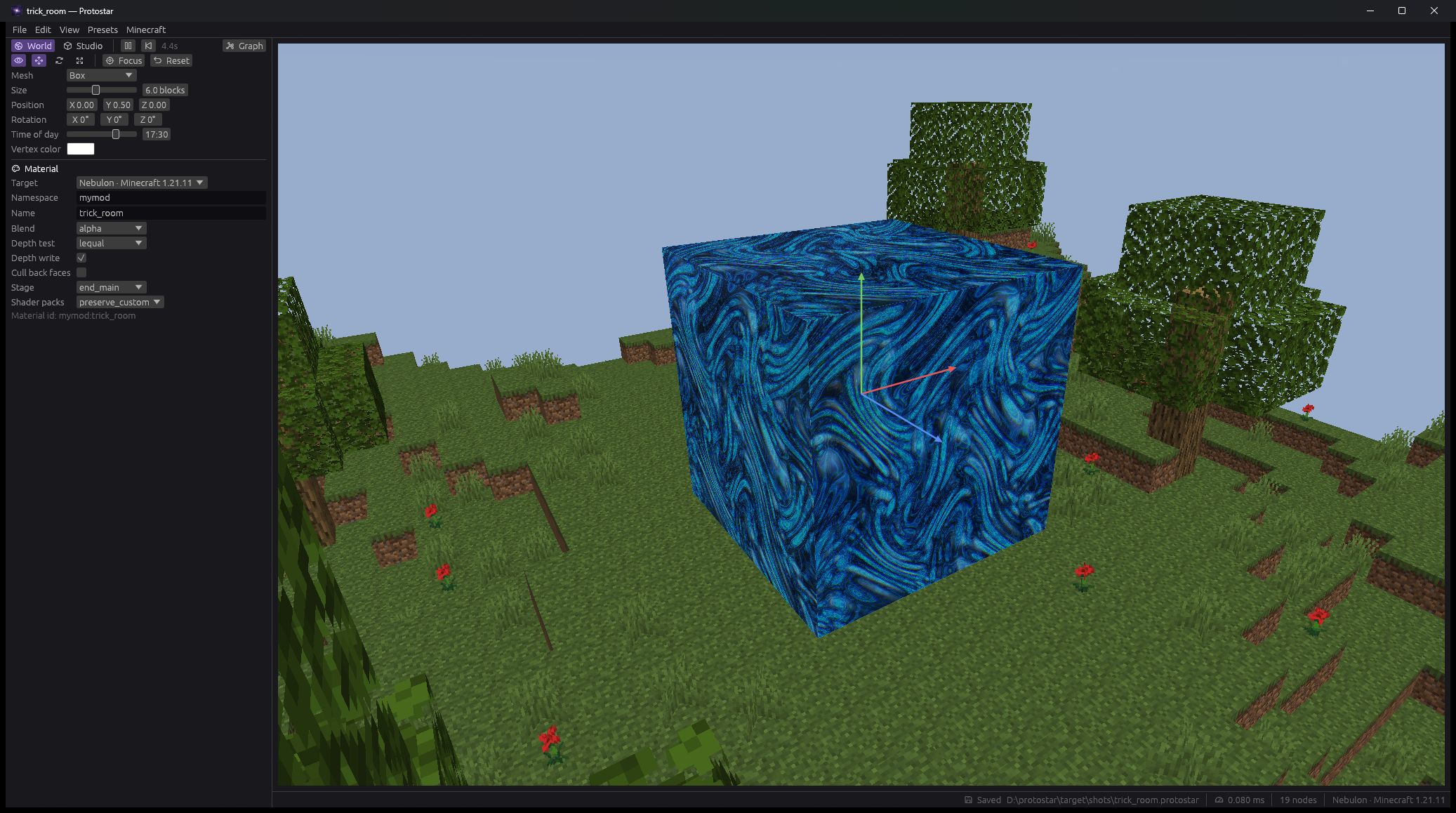
Trick Room preset in the Protostar preview
Trick RoomSwirling water on a box, written in GLSL.
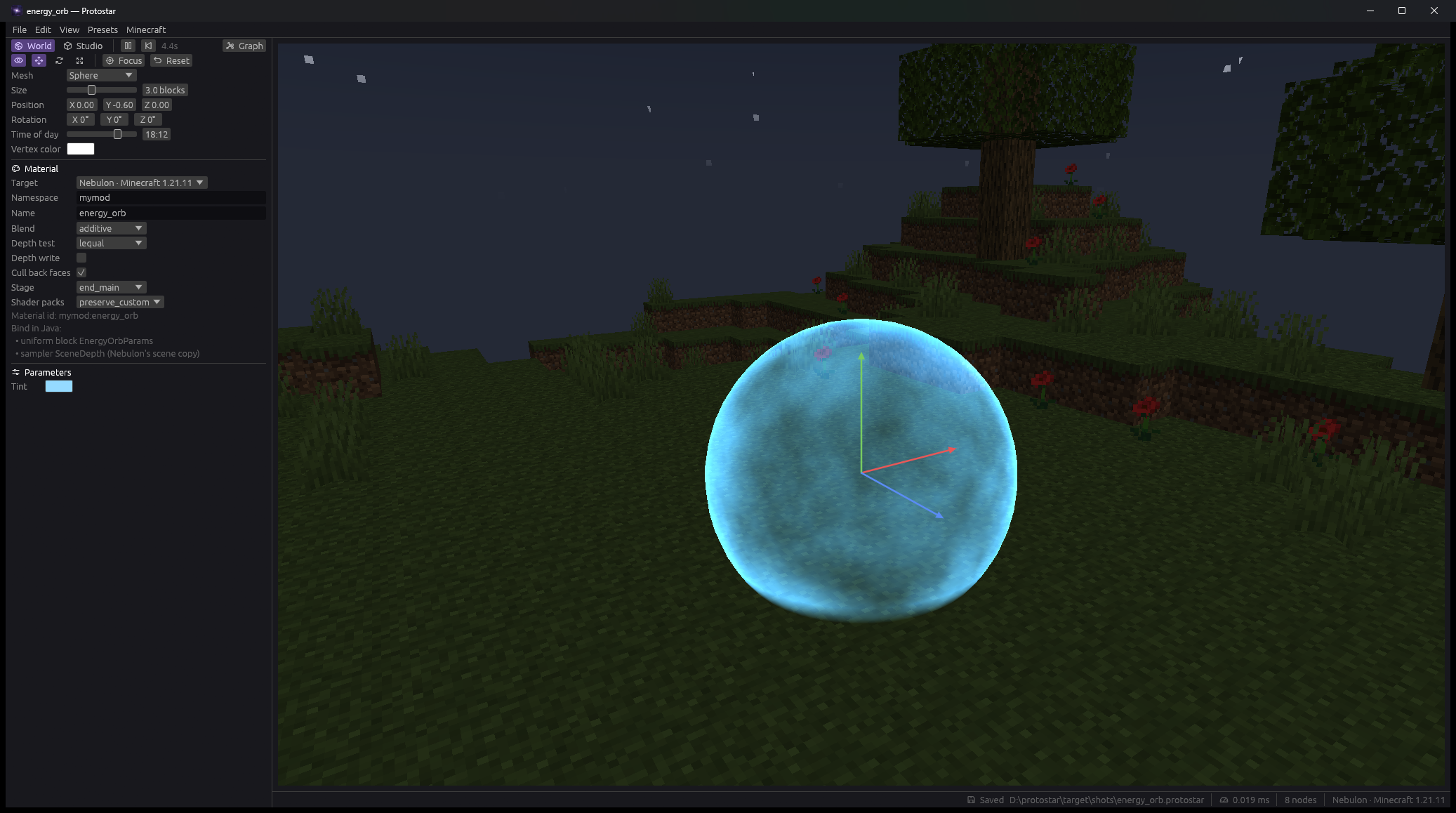
Energy Orb preset in the Protostar preview
Energy OrbGlowing sphere with a bright rim.
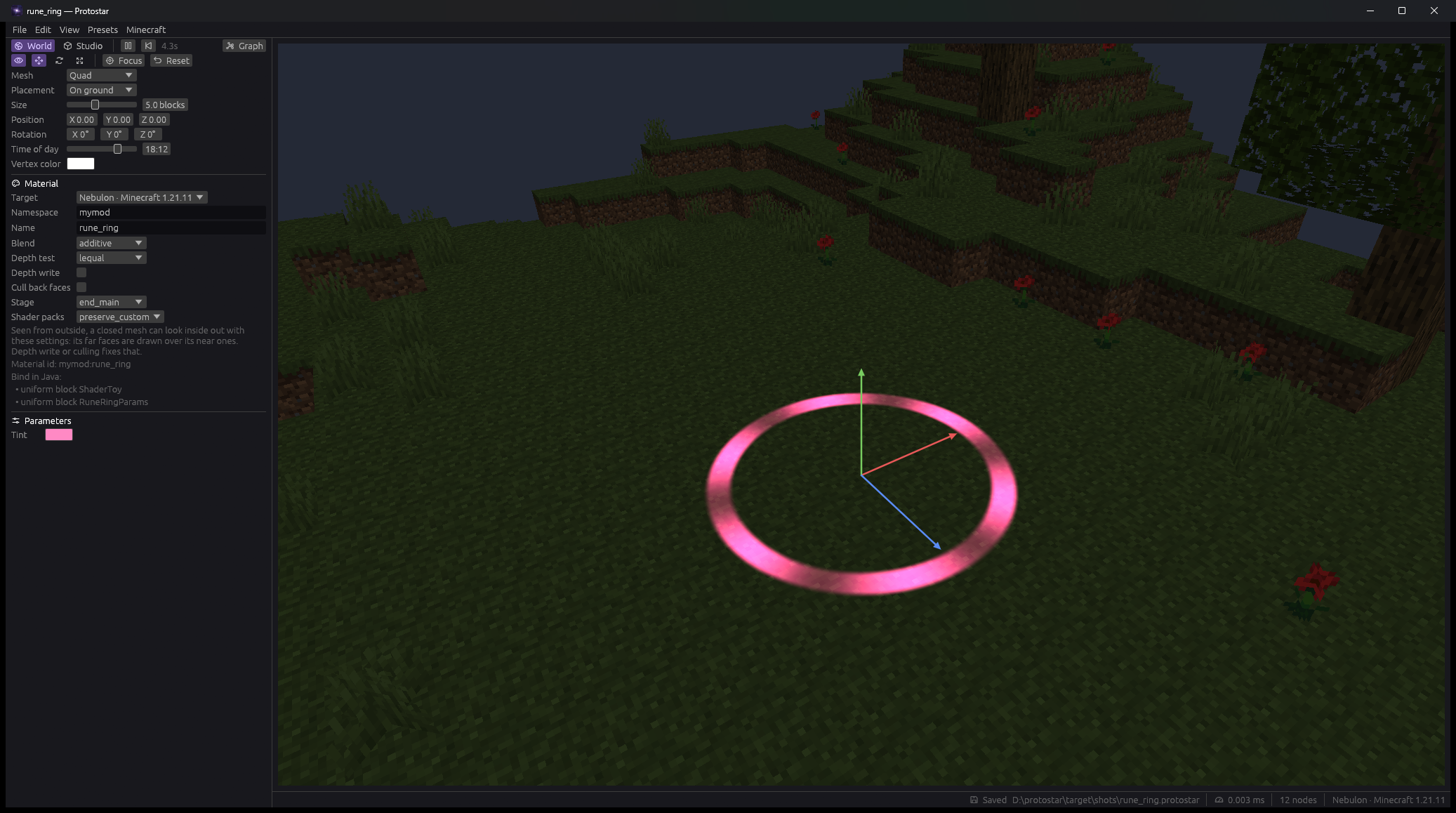
Rune Ring preset in the Protostar preview
Rune RingPulsing ring on the ground.
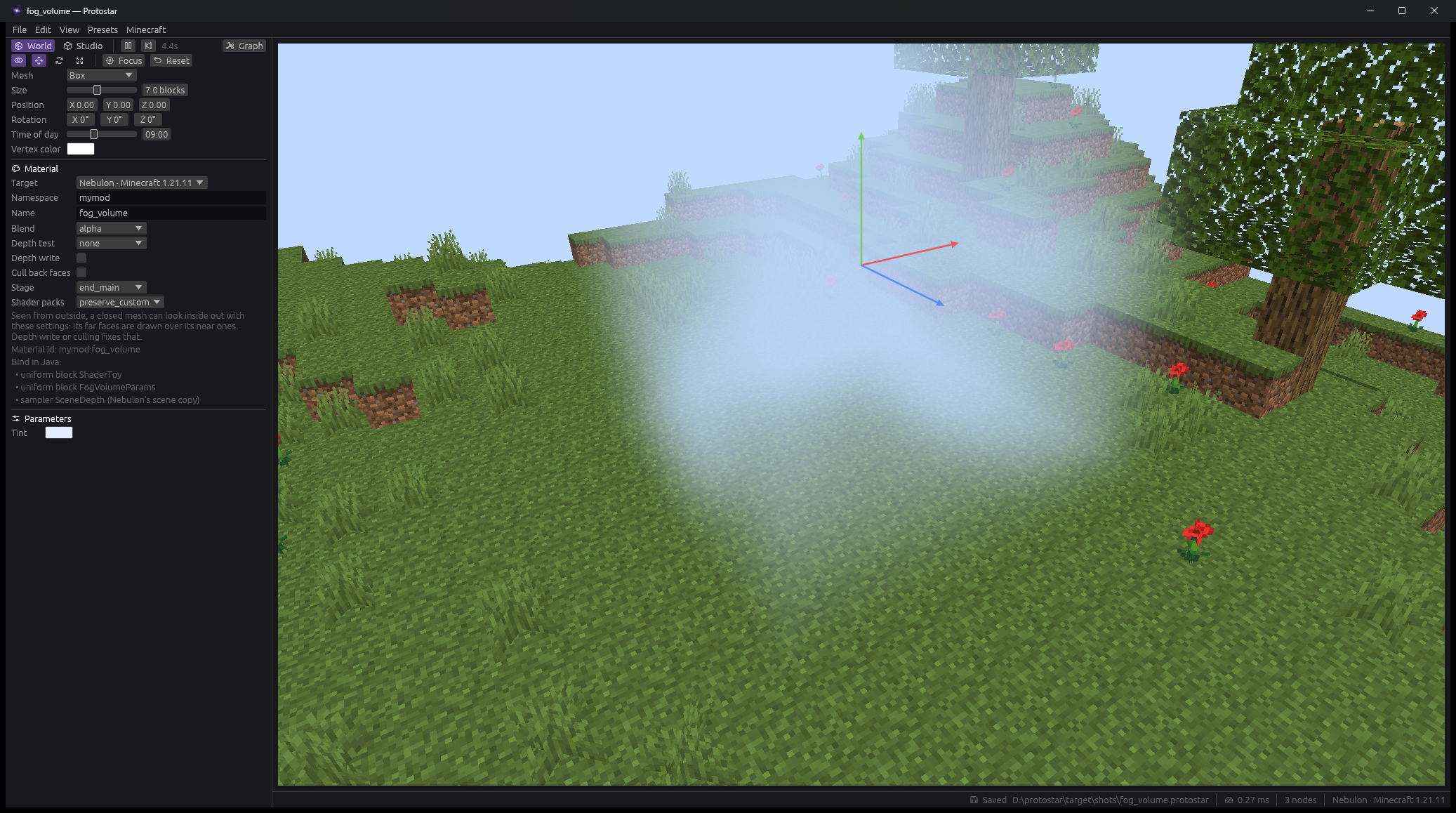
Fog Volume preset in the Protostar preview
Fog VolumeRaymarched fog in a box.
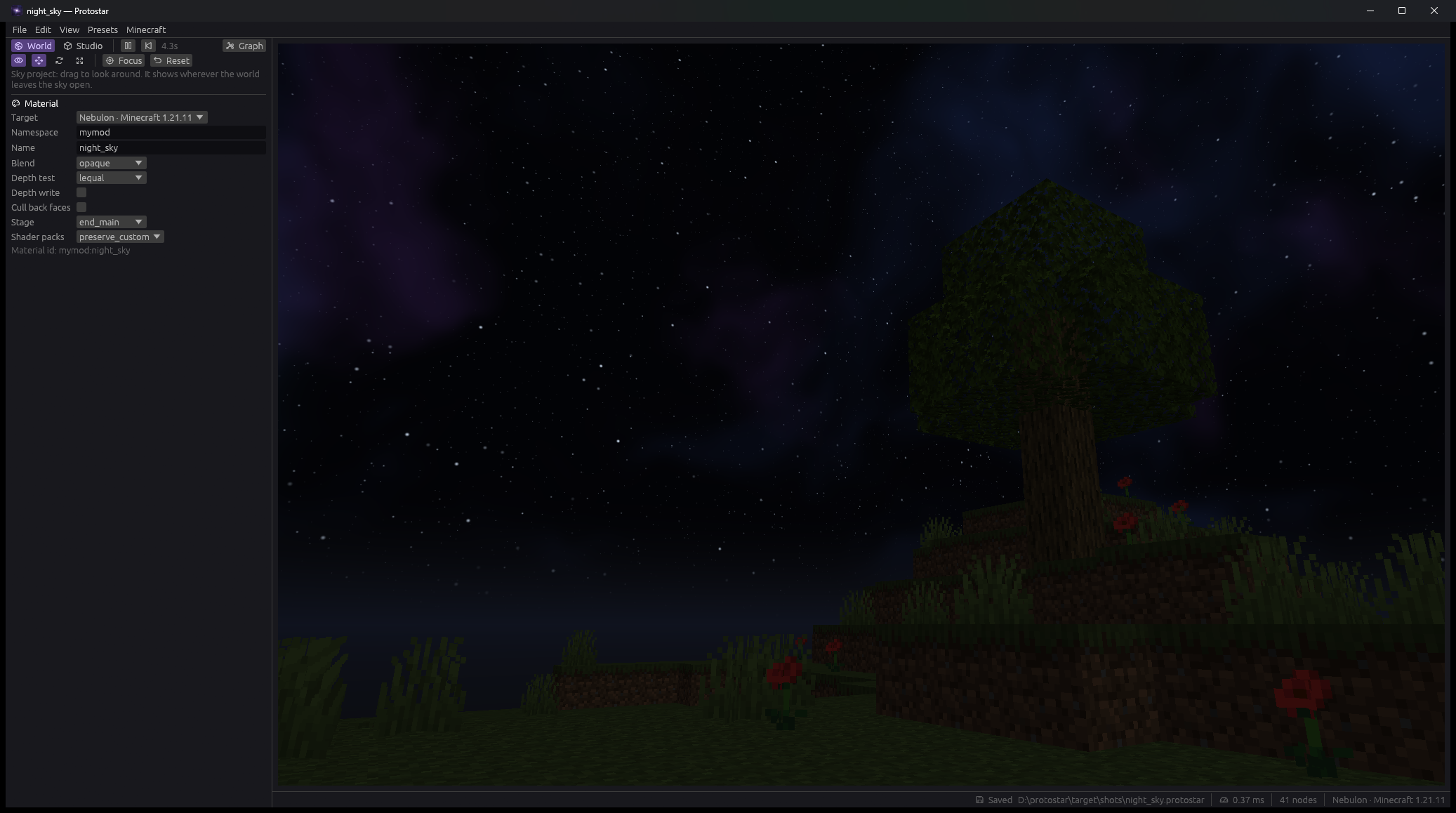
Night Sky preset in the Protostar preview
Night SkyNebula, stars and aurora sky.
Custom GLSL

Hand-write code where a graph gets awkward.

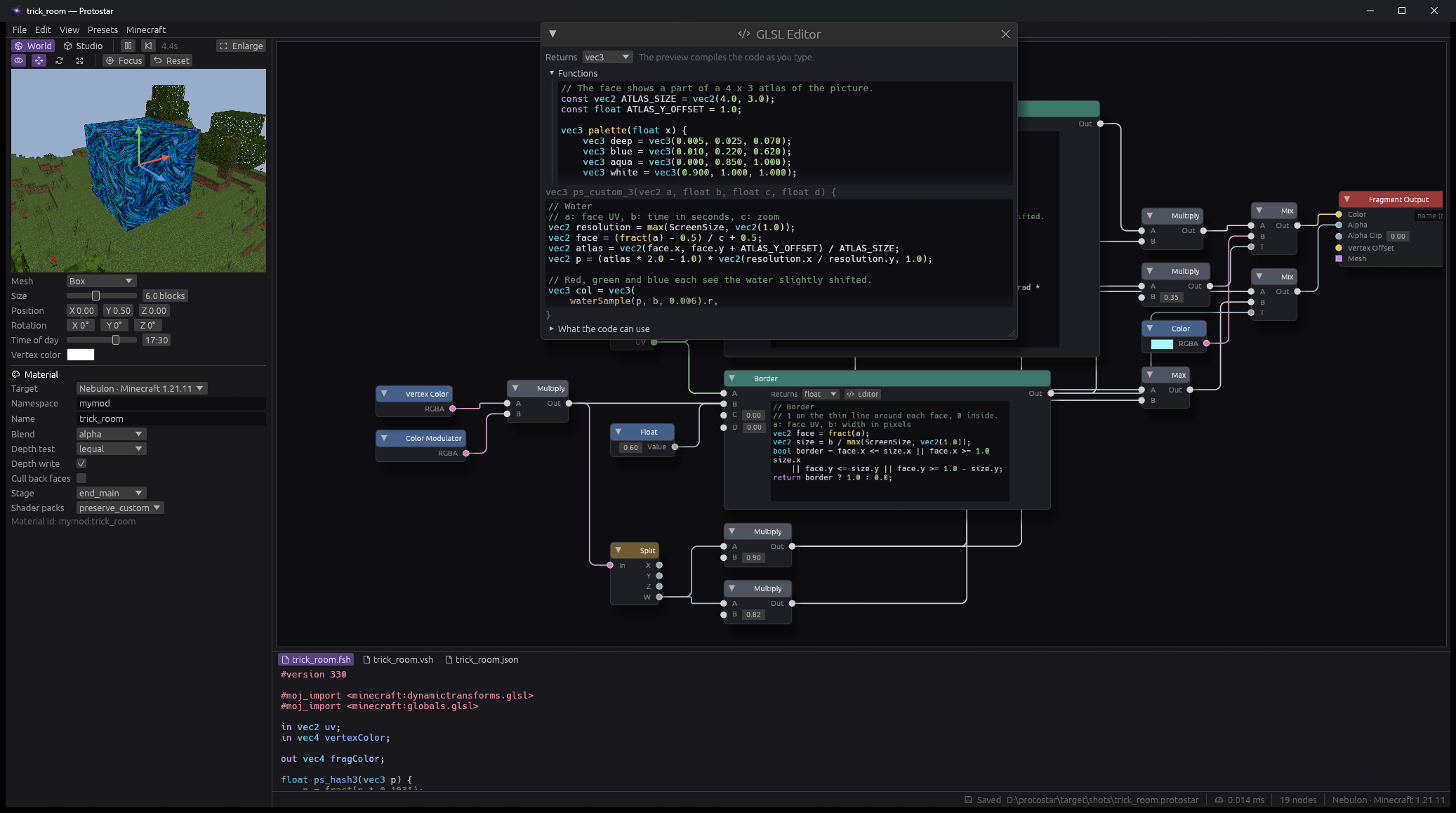
The Custom GLSL node opens a coloured editor with the compiler’s errors beside your code. Engine names like iTime and ScreenSize are set up as soon as you use them.

GLSL editor window floating over the graph
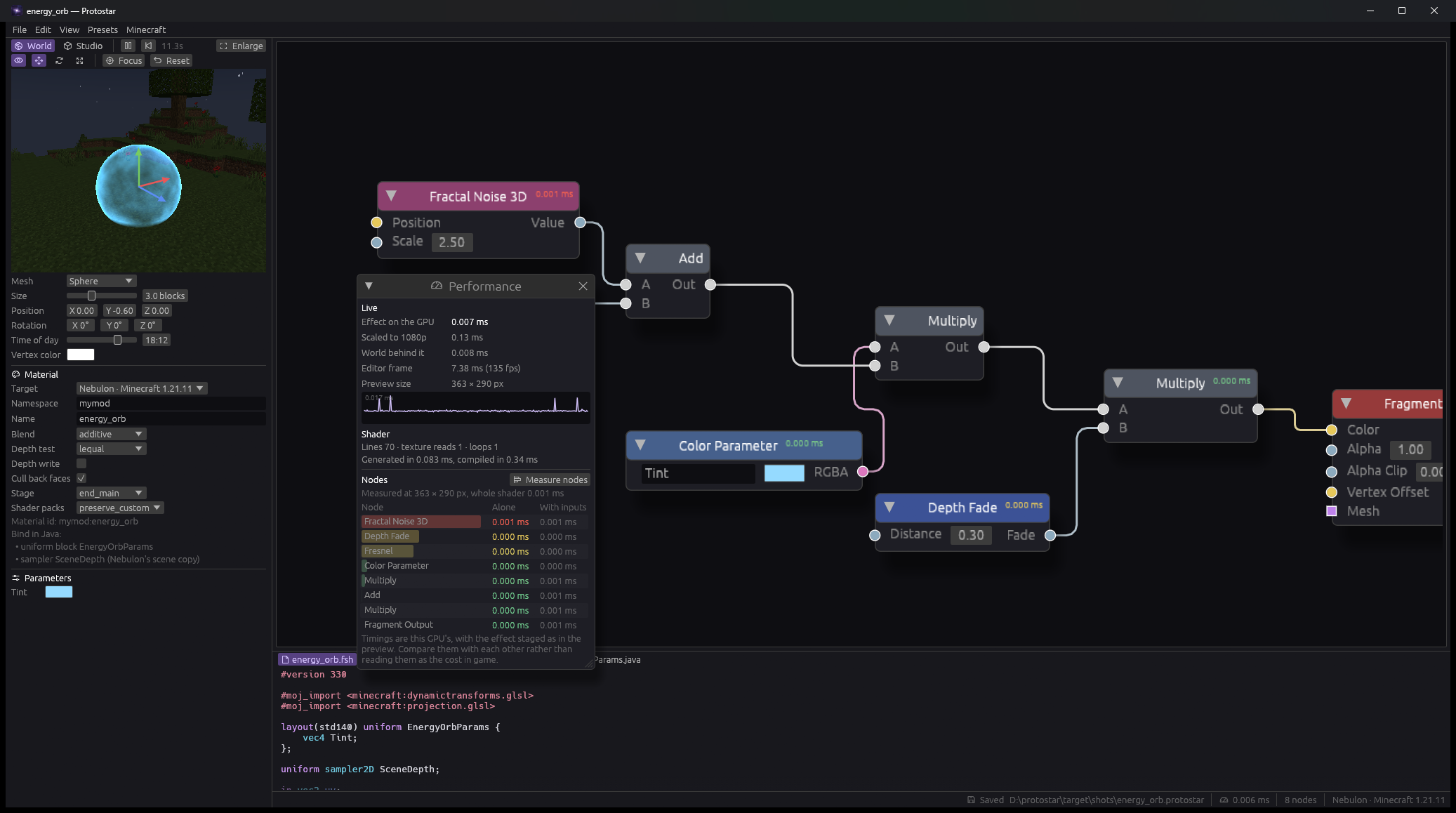
Performance

See what every node costs.

View → Performance shows the effect’s GPU time live. Measure nodes puts a cost badge on each one and a sorted list beside them.

Performance panel listing the GPU cost of each node

And the rest of the toolkit.

Layered outputs

Fragment, Sky and Post outputs — one project holds every layer of an effect.

Vertex Offset

Wire into the pin and it runs in the vertex shader, moving the mesh.

Meshes

Quad, box, sphere, cube sphere, cylinder, cone, torus, disc, or your own OBJ.

Planets

Terrain, atmosphere and sun light on mesh-space position. No seams at the poles.

Animation

12 easing curves and keyframe tracks, baked in so the game plays what you previewed.

Parameters

One std140 uniform block with a matching Java record for your mod.

Viewport handles

Move, rotate, scale and place the effect; drag the sun to set the time of day.

Tidy graphs

Groups, reroutes, Arrange Nodes and three wire styles.

Extend it

Nodes of your own.

Every .glsl file in the custom nodes folder becomes a node. Comments at the top describe its pins.

Projects store the graph, never the GLSL — when the engine changes, open the project and export again.

// @node Stripes
// @category Pattern
// @doc Diagonal stripes, 1 on a stripe and 0 between them.
// @input vec2 uv = uv
// @input float count = 8.0
// @output float mask
float stripes(vec2 uv, float count) {
    return step(0.5, fract((uv.x + uv.y) * count));
}
Protostar icon

Get Protostar

Beta 0.2.1 for Windows, macOS and Linux. It's a beta, so expect bugs. Requires the Nebulon rendering mod.

Beta 0.2.1

Download Protostar

Download for macOS
Protostar-0.2.1-arm64.dmg
All builds

Protostar is a beta and will have bugs. Expect rough edges and the occasional crash, and save your projects often.

These builds are not code-signed. Windows SmartScreen or macOS Gatekeeper may warn you that the app is from an unidentified developer when you first open it.

Before you start

Nebulon rendering mod

Effects from Protostar are drawn by Nebulon 0.1.x. Your mod — and everyone playing it — needs it installed.

OpenGL 3.3

Shaders compile with your real driver, so the preview is what the game will run.

Vanilla textures are read from your installed Minecraft; nothing of the game is bundled. Source code is planned for a later release.